Wednesday, December 1, 2021

WidgetGrid - Turn Google Spreadsheets into Widgets on the home screen

WidgetGrid is a new way to turn Google Spreadsheets into data-driven widgets on the home screen. You can start from templates to create widgets. You can edit your data in spreadsheets and customize the design of all kinds of widgets in WidgetGrid.

You can download WidgetGrid for FREE via App Store: 

https://apps.apple.com/app/widgetgrid/id1586316173

Here is demo video:

Features

  • Choose from layouts: Grid View, List View, Card View, Chart View
  • Start from templates: Project Tracker, Class Attendance, etc.
  • Start from your own spreadsheets
  • Change style including background color, background image, font style, font size, font color, alignment, and line limit
  • Support all kinds of widgets: Small, Medium, Large and Extra Large
  • Tap item in widget to show item detail or any links that defined in item record
  • Change mapping of data from widget components to column within spreadsheet
  • Launch spreadsheet to edit source data
  • Edit title and item records, and then synchronize the update back to spreadsheet
  • Support line chart, bar chart, pie chart and doughnut chart

Tuesday, August 17, 2021

OneEdit Pro v3.7

New features:

1. Cropping Images using Saliency automatically

2. Super Resolution (upscale image)

3. Bug fix


Wednesday, July 7, 2021

OneEdit Pro v3.6

New features:

1. Photo Source: Generate blank photo with background color, gradient colors and size

2. Colorize black and white photos

3. Artistic Style: Mosaic, The Scream, Feathers, La Muse, Udnie, Candy

4. Add Image or Text Overlay: control position by slider (top and left)

5. Text Overlay: change line spacing

6. Edit exact value for slider control (long press for iOS or right click for macOS)

7. Size Picker: select recent size from history

8. Photo Source: duplicate photo

9. New color picker for iOS 14

10. New photo picker for iOS 14

11. Bug fix

Thursday, February 11, 2021

OneEdit Pro v3.5

New Features

1. Remove background

2. More filters

3. Add photos from history

4. Reorder photos using orientation (portrait first or landscape first)

5. Shuffle photos in photo list

6. Edit Task List: insert after or insert before (swipe right or long press)

7. Export Task List: insert after or insert before (swipe right or long press)

8. Preview export tasks: merge to pdf, merge to montage, generate animated gif

9. More options for montage: 2, 3 or 4 columns, and add grid lines

10. The term "Profile" is changed to "Project"

11. Edit project name

12. Bug fix


Saturday, December 5, 2020

MingKi - The fastest way to send notifications

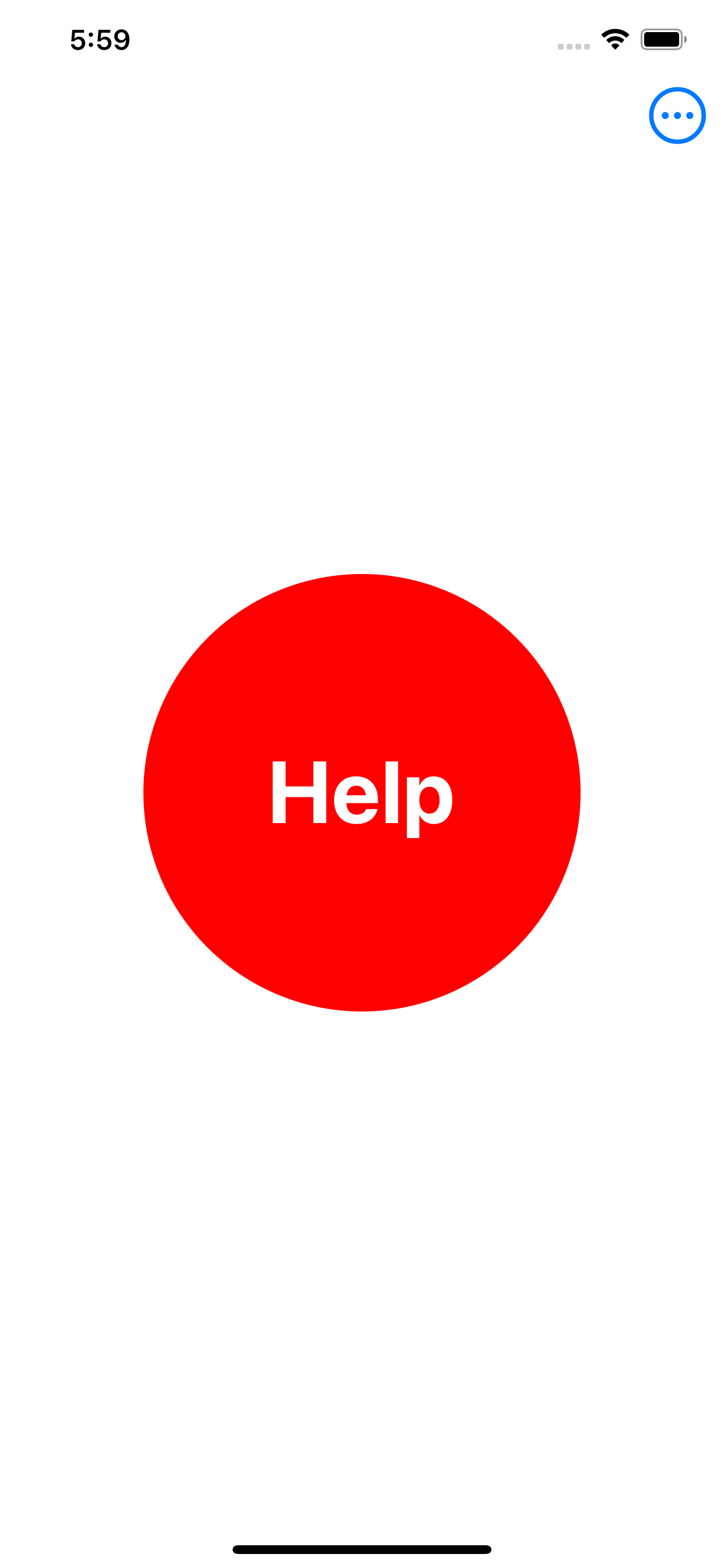
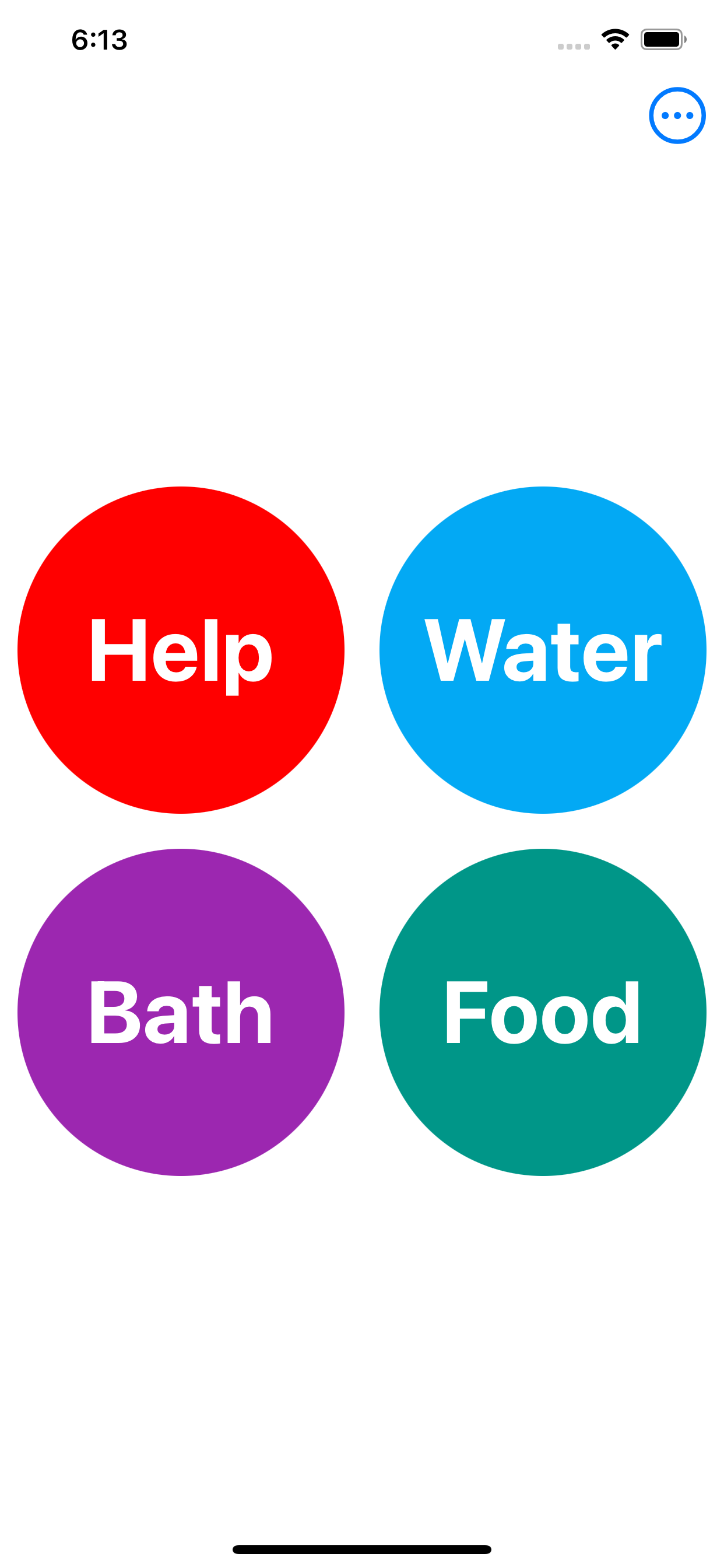
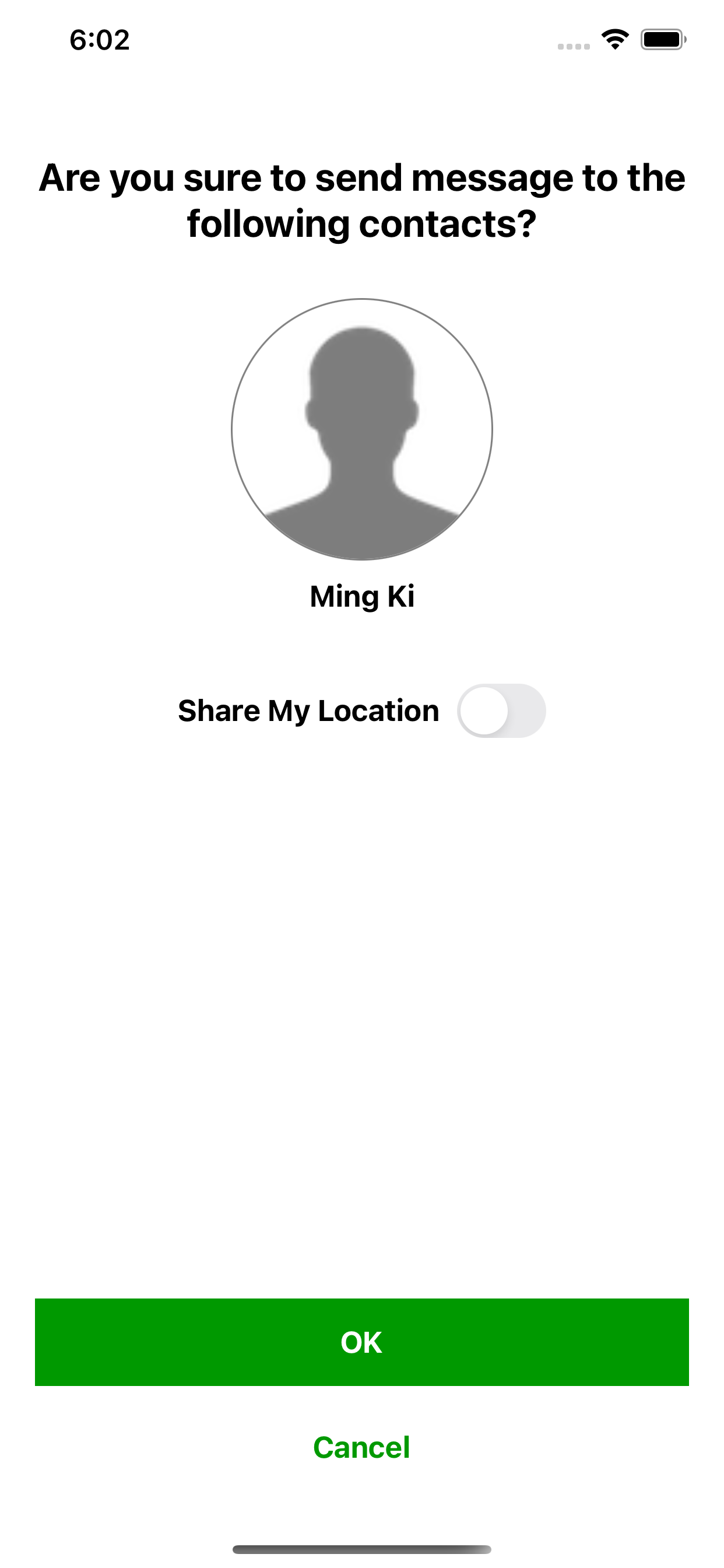
MingKi is an urgent request messaging app for anyone who needs help from their family and friends. It is specifically designed for elderly people, dementia patients and those who are not familiar with smartphone. When they just tap a button, the corresponding contacts will receive notifications and then go to help them immediately.

  • Minimal Interface: there are just buttons on the screen. For the sender, just tap a button and a message is sent.


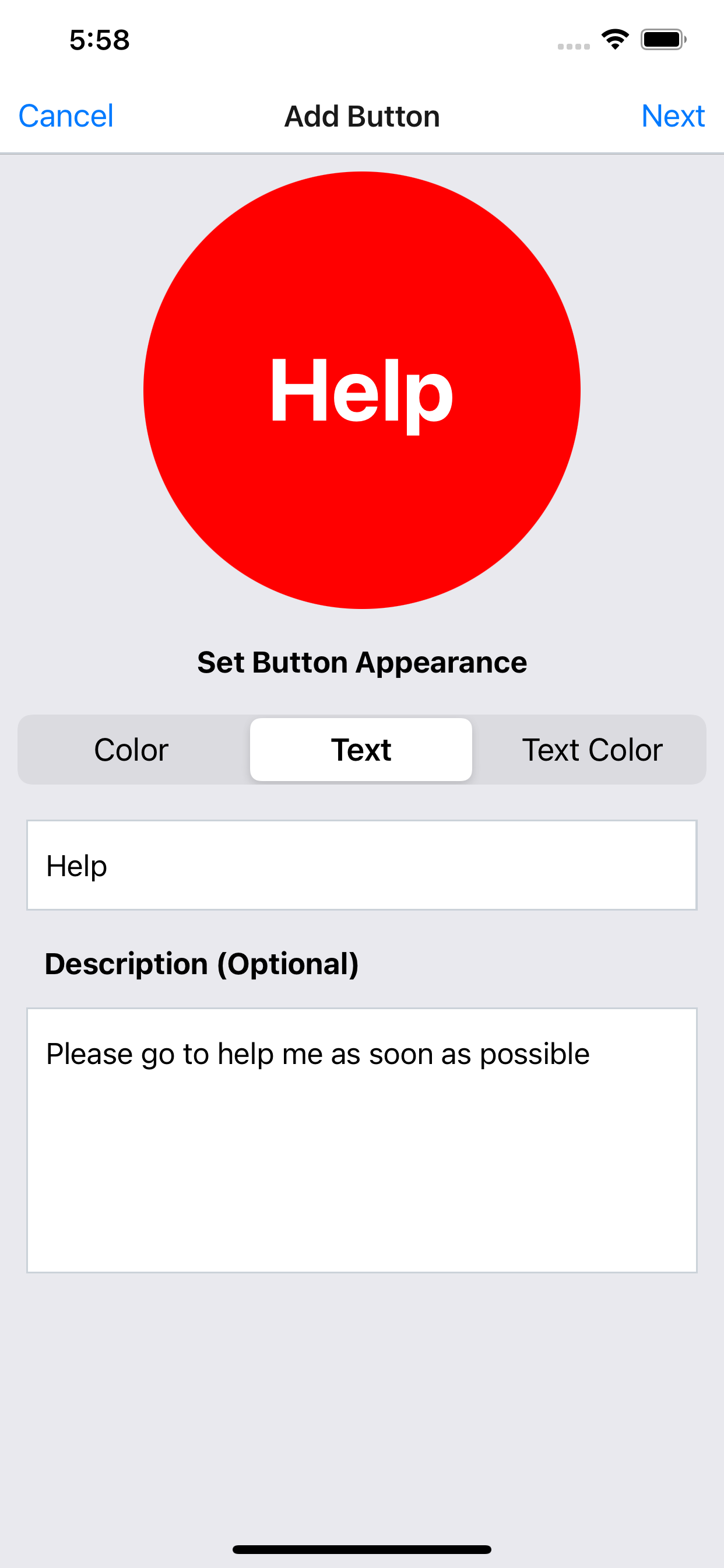
  • The color, text and text color on the button can be customized.


  • Description can be added to the button for further explanation which is optional.


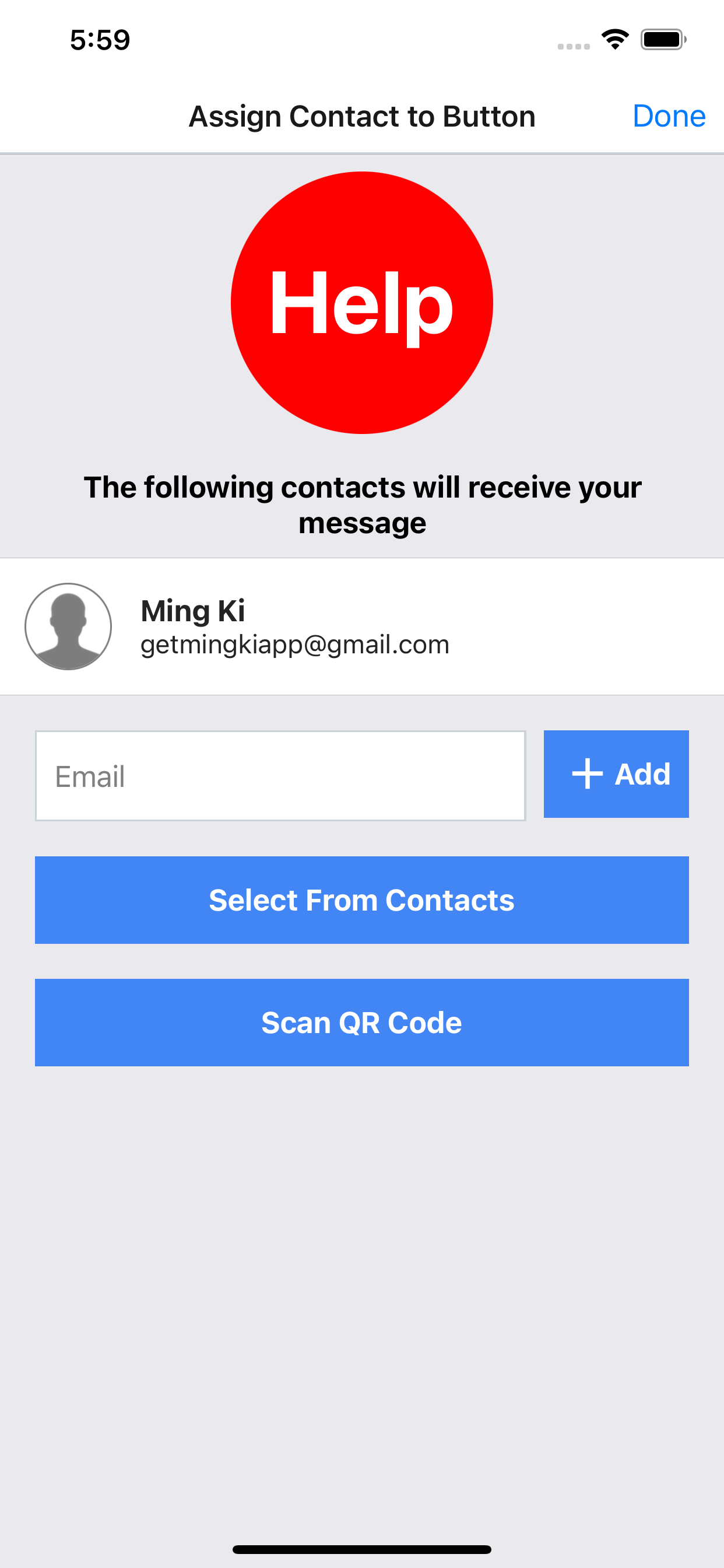
  • The contacts can be assigned to each button to receive notification and message.


  • Location can be shared when sending messages.


  • Contacts can be added by scanning QR code.

Check this out: https://mingkiapp.web.app/


Monday, September 14, 2020

OneEdit Pro v3.4

New features:

1. Edit original filename & title: 
- before executing batch job
- before uploading
- in history

2. Consistent UI for changing original filename or title

3. Grouping: 
- group photos by setting number of photos for each group
- execute merge tasks (merge to pdf, merge to montage, generate animated gif, generate zip) on each group, e.g. merge to pdf for each group instead of all photos

4. Reordering:
- sort photos by original filename, title, file size, width and height

5. Image overlay interface
- scale image to position smaller logo more accurately
- editing handle is hidden if logo is too small in order to move logo easier

6. Place ordering number on the image

7. Better date time format for filename and text overlay

8. Select background or image overlay from Unsplash and Flickr

9. Instant preview of rotate task

10. Bug fix

Monday, August 24, 2020

TouchAppCreator v3.9

New features:

1. Rich Text Editor: option to choose paste as plain or html

2. Insert audio and video to Rich Table

3. Insert audio and video to Question

4. Instant Preview in Markdown Editor (iPad & Mac)

5. Instant Preview in HTML Editor (iPad & Mac)

6. More keyboard shortcuts for question and slideshow

7. External Widget can be hidden and launched via link

8. Scan Document: support images

9. UI Refinement

10. Bug fix