Contribute is a people focused to-do list. Most to-do lists keep you busy without having time with the one you love and really care about. It is time to change. You should think of your important people first and add meaningful tasks that can be expressing your love language. You should plan tasks before important dates come. Finally you should track your performance by grading yourself. All of them can be done easily with Contribute.
By the way, if you are looking for a to-do list to improve your productivity, please leave now since Contribute is going to improve your relationship with people instead.
PEOPLE FIRST TASK LATER
Who are your important people ? You can add a person's name and upload a person's image. You can see the number of outstanding tasks and the completed date of the last task with the person you care about.
EXPRESS LOVE LANGUAGE
Are the tasks important ? You can try to categorize tasks into 5 types of love languages: Quality Time, Gift Giving, Acts of Service, Words of Affirmation, Physical Touch. It helps you justify what it is worth to do.
NEVER MISS IMPORTANT DATES
Did you miss any important dates? You can add important dates for each person. You can schedule tasks on these dates.
ADD RATING
After you complete a task, you can add a rating: How did you feel? How did the members feel? What is the score you give yourself?
TRACK YOUR PERFORMANCE
This is the most interesting part. You can check performance via completion chart, love language chart, score chart and much more.
You can download Contribute To Do List in the App Store for FREE:
WidgetGrid is a new way to turn Google Spreadsheets into data-driven widgets on the home screen. You can start from templates to create widgets. You can edit your data in spreadsheets and customize the design of all kinds of widgets in WidgetGrid.
You can download WidgetGrid for FREE via App Store:
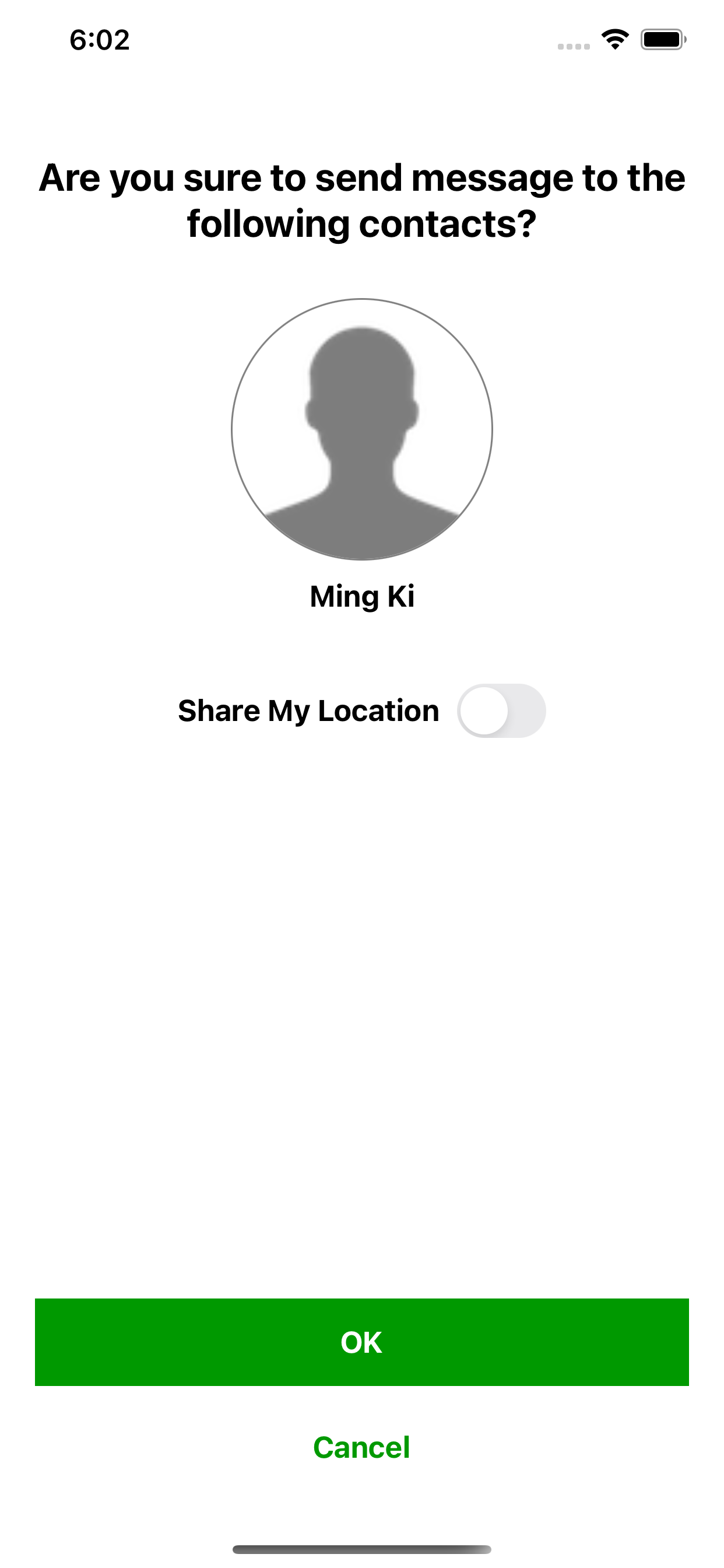
MingKi is an urgent request messaging app for anyone who needs help from their family
and
friends. It is specifically designed for elderly people, dementia patients and those who are not
familiar with smartphone.
When they
just tap a button, the corresponding contacts will receive notifications and then go to help them
immediately.
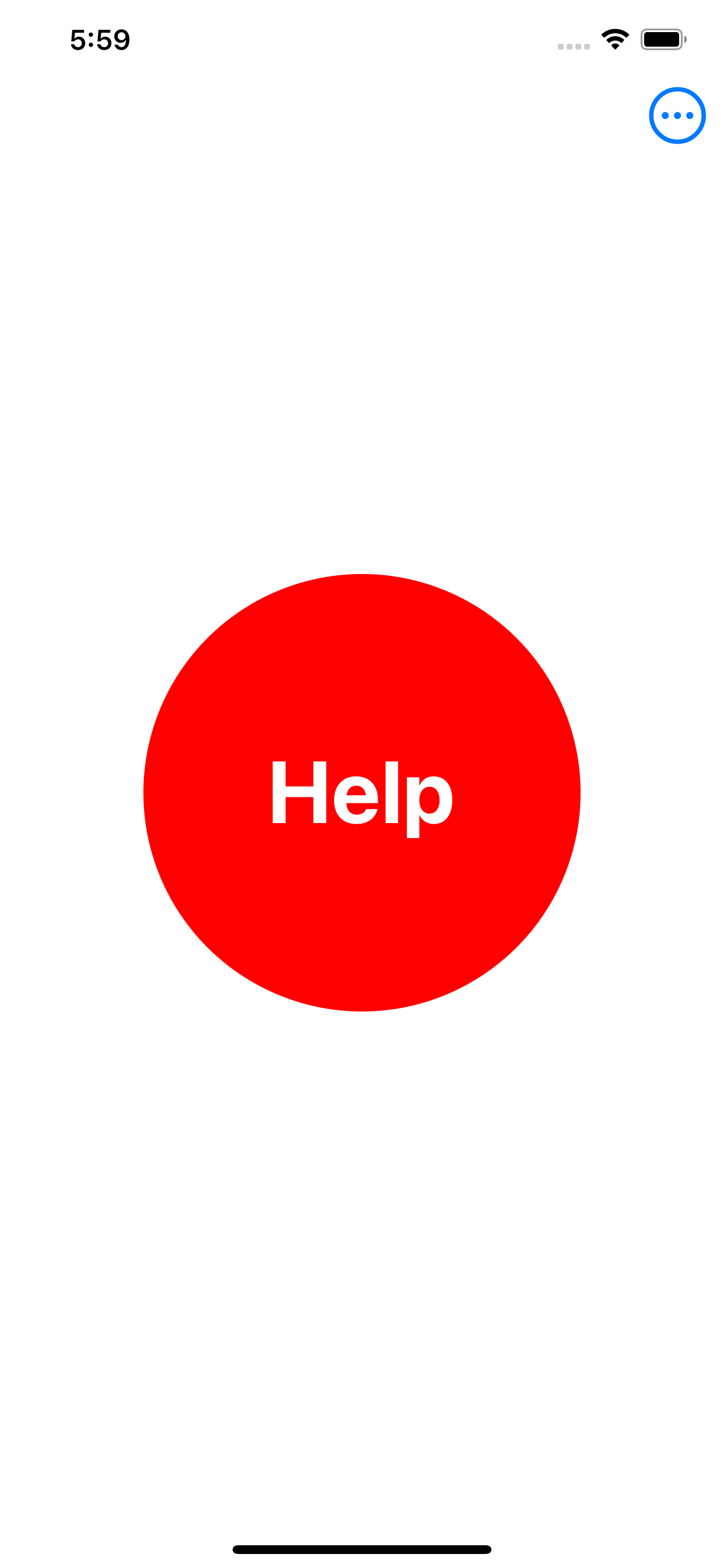
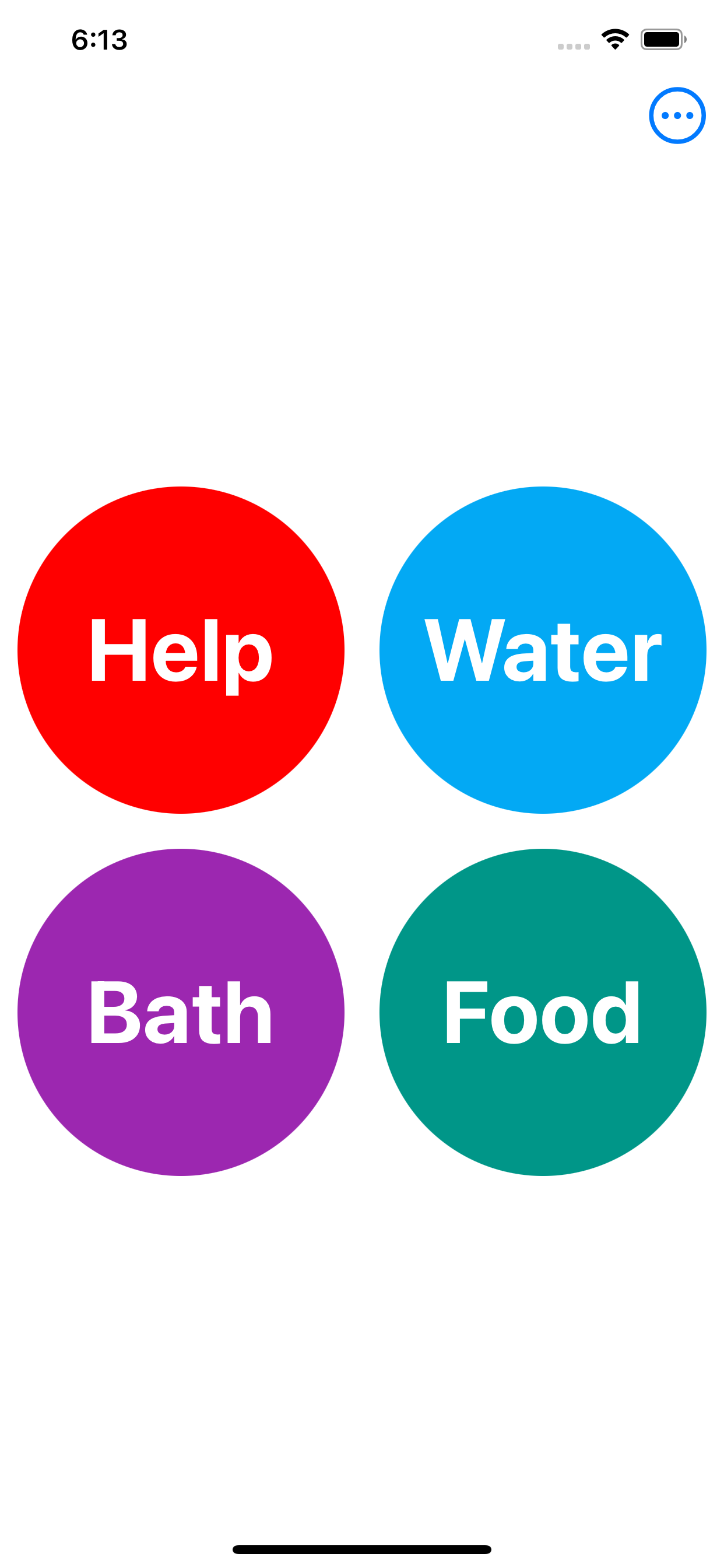
Minimal Interface: there are just buttons on the screen. For the sender, just tap a button and a
message is
sent.
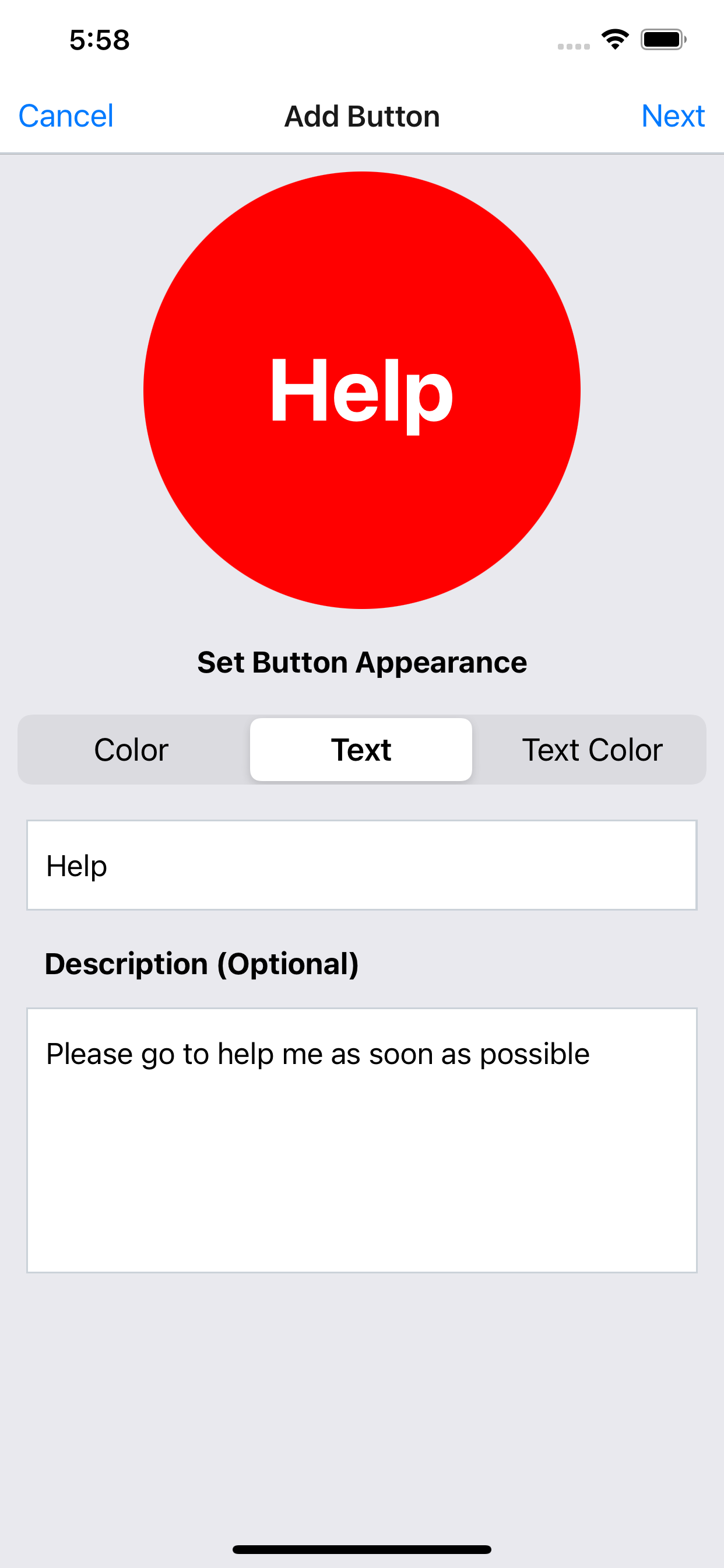
The color, text and text color on the button can be customized.
Description can be added to the button for further explanation which is optional.
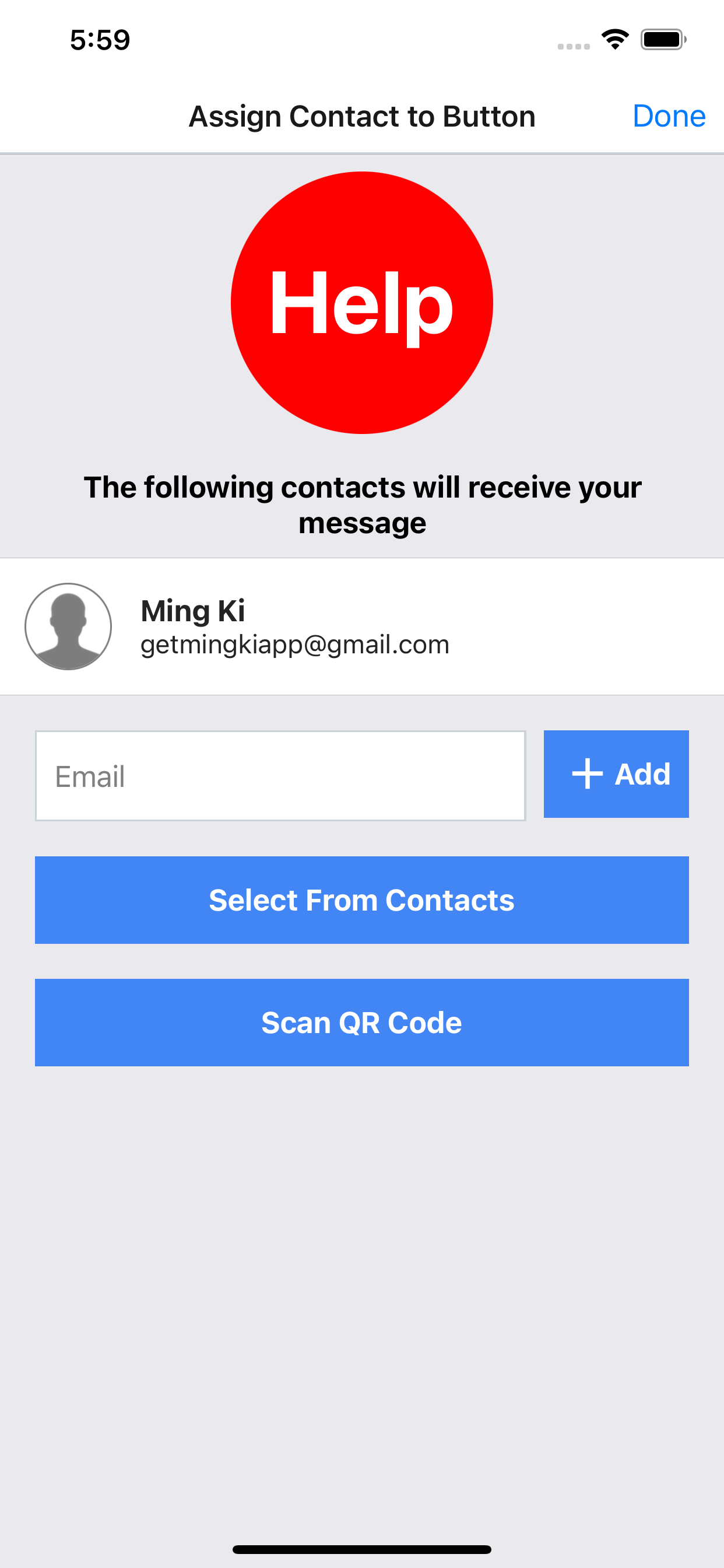
The contacts can be assigned to each button to receive notification and message.
2. Consistent UI for changing original filename or title
3. Grouping:
- group photos by setting number of photos for each group
- execute merge tasks (merge to pdf, merge to montage, generate animated gif, generate zip) on each group, e.g. merge to pdf for each group instead of all photos
4. Reordering:
- sort photos by original filename, title, file size, width and height
5. Image overlay interface
- scale image to position smaller logo more accurately
- editing handle is hidden if logo is too small in order to move logo easier
6. Place ordering number on the image
7. Better date time format for filename and text overlay
8. Select background or image overlay from Unsplash and Flickr
OneEdit makes batch image processing and uploading easier. OneEdit executes multiple editing and exporting tasks on multiple photos at ONE time. You can generate zip file for multiple images on the go. You can also transfer your edited photos to your computer directly, save to photo library, upload to Google Drive, Flickr, Dropbox, Facebook, FTP and WebDAV Servers by ONE tap.
Editing Tasks:
* Resize (fit into or scale proportionally)
* Scale (resize image based on scale)
* Flip (horizontal or vertical)
* Add Filters
* Rotate (optional for different orientation)
* Crop or circular crop
* Add Text (change font style and size)
* Add text with any image properties from EXIF or original filename
* Add Border
* Add Image Overlay (with transparent background)
* Add Shadow (transparent background)
* Add Timestamp (different format)
* Convert to Grayscale
* Update or remove GPS data
* Add Creative Commons License to the comment field of photo
Exporting Tasks
* Merge output images to PDF
* Merge output images to Montage (grid, vertical, horizontal)
* Generate and email ZIP file from output images
* Upload to Dropbox
* Upload to Google Drive
* Upload to Facebook Page
* Upload to Flickr
* Save to Photo Library
* Upload to FTP Server
* Upload to WebDAV server
Other Features
* Support drag & drop photos from/to other apps
* Option to use original file name when exporting
* Edit original file name before editing or exporting
* Batch change original filename or title before execution
* Filename settings: Starting Index & Leading Zero
* Add date time original for output filename
* Preview resulted filename before uploading
* Support Open In action for individual photo, generated PDF or ZIP
* Show EXIF data of photo
* Option to keep history or not
* Delete items in the output
* Share to device
* Save multiple files to Files app
* Open photo in other apps to bring it to OneEdit
Image Output Format:
* PNG
* JPG
* PDF
Import Method
* Camera
* Photo Library
* Files App
* Dropbox
* Google Drive
* Facebook
* FTP Server
* WebDAV Server
* Clipboard
* Share photos from other apps into OneEdit using Share Extension
The sequence of tasks and output format can be saved as profile to make regular tasks to re-do without setting again. OneEdit can also be batch image transfer tool and batch image uploader by skipping editing tasks.
OneEdit makes batch image processing and uploading easier. OneEdit executes multiple editing and exporting tasks on multiple photos at ONE time. You can generate animated GIF and zip file for multiple images on the go. You can also transfer your edited photos to your computer directly, save to photo library, upload to Google Drive, OneDrive, Box, Flickr, Dropbox, Facebook, FTP and WebDAV Servers by ONE tap.
Editing Tasks:
* Resize (fit into or scale proportionally)
* Scale (resize image based on scale)
* Flip (horizontal or vertical)
* Add Filters
* Rotate (optional for different orientation)
* Crop or circular crop
* Add Text (change font style and size)
* Add text with any image properties from EXIF or original filename
* Add Border
* Add Image Overlay (with transparent background)
* Add Shadow (transparent background)
* Add Timestamp (different format)
* Convert to Grayscale
* Update or remove GPS data
* Add Creative Commons License to the comment field of photo
Collections provides one-stop solution to organize, present and even share your photos and videos in your desired layout for families, photography professionals, and business users. Collections allows you to create your photobooks, portfolio, mosaics, collages, slideshows, album folders and even product catalog, export to PDF and play slideshow with background music as well.
Features
* Choose from 43 templates for different combination of frames (1 to 9 Photos)
* Customized app title, logo and background
* Add password to protect your private album
* Presentation Mode: swipe left/right to turn pages, auto hides navigation bar and toolbar, tap frame to enlarge photo or play video
* Organize your albums into folders
* Global search for all albums, folders
* Change page turning transition: Push or Page Curl
* Frame Settings: photo alignment, border styles, shadow, background image or color
* Layout Settings: margin width and height, space between frames
* Text Settings: font style, font size, text alignment, text overlay
* Resize frames by dragging the space between them
* Select multiple photos or videos from Photo Library and Files app at one time
* Cut, copy and paste photos from/to clipboard across pages and albums
* Basic Photo Editing: auto-fit, maintain aspect ratio
* Advanced Photo Editing: filter, rotate, draw, crop, etc.
* View properties of photo
* Support Open In option for photo
FREE TRIAL
You can now download the latest Collections Pro app for FREE until April 14, 2019:
1. Download TestFlight App by Apple if you do not have it